
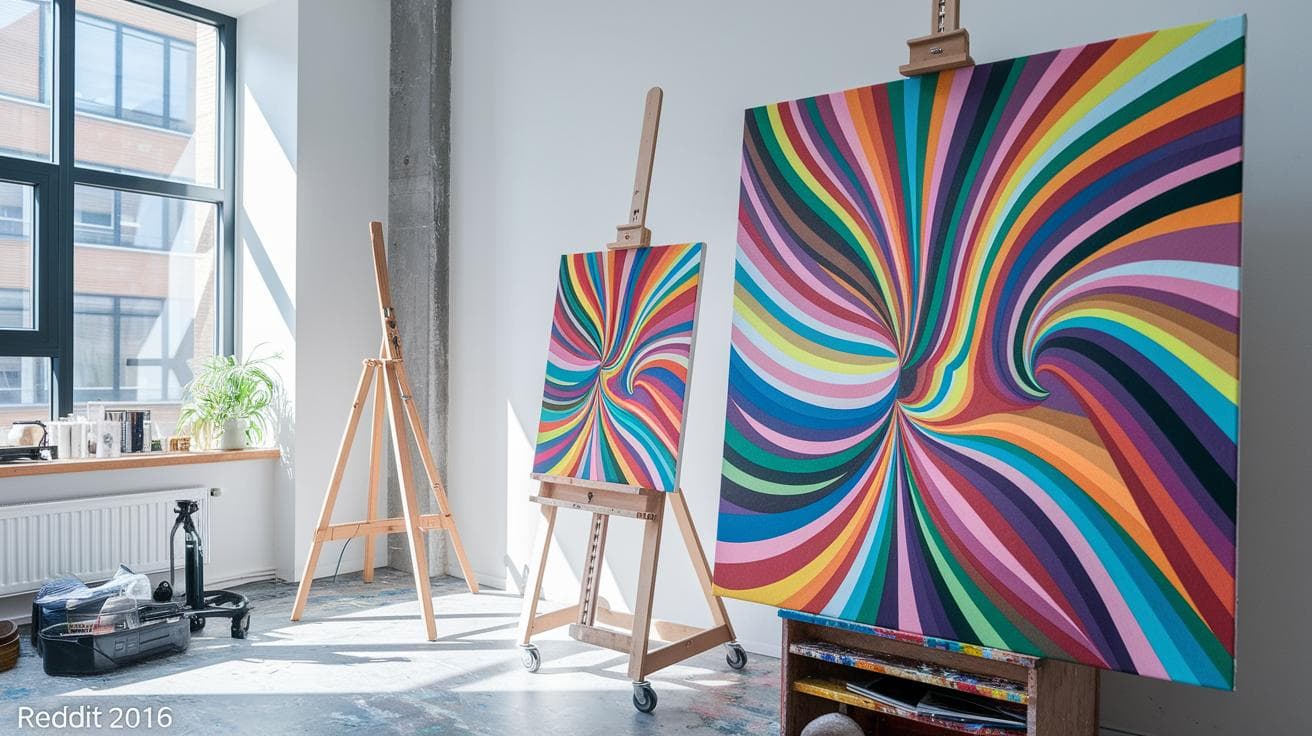
Ever asked AI, “paint like this,” and ended up with something you wouldn’t even show on your fridge? It’s like telling a friend about a dream they never saw. You tweak your words and still nada.
Meet Midjourney’s style reference, or SREF. Think of it as your personal art coach. You give it a handful of .jpgs – just your sample images – and drop the –sref URLs into your prompt. Instantly the AI tunes into your palette, texture, even brush strokes! Watch the colors pop and the strokes glide across the canvas.
No more playing detective with stylize or chaos settings. Your AI art suddenly feels like your own. Consistent. Precise. Ready to wow.
Understanding Midjourney Style Reference Fundamentals

SREF stands for Style Reference, and it’s at the heart of the Midjourney style reference workflow. Have you ever wished your AI could learn your favorite style? Think of it as a style-training LoRA (a small AI model that learns from a few images). You give it one or more pictures, then Midjourney picks up that look and applies it to new images.
To use style reference, copy the direct URL of any .jpg or .png file you’ve uploaded to Discord. Then add --sref plus that URL to your /imagine prompt. You can even chain URLs like urlA::2 urlB::3 to mix styles and set how much each one matters. Once you hit enter, Midjourney color grades and textures your new image to match your samples.
This feature only works with Midjourney V6 and Niji V6 models. If you try --sref on an older version, it’ll be ignored. On earlier versions, you’ll still use stylize or chaos settings, but you won’t get that exact style match.
There’s also a Character Reference command, --cref, that locks faces and figures across different images. Together, --sref and --cref help you build a library of style presets. Want the same lighting, color grading, or texture every time? Just point to an image and watch your AI art follow your exact mood and aesthetic.
Basic Prompt Construction with Style References

Let’s kick things off by turning on Remix. In Discord, hit /settings at the bottom left. Scroll until you see Remix and flip that switch, boom, prompt editing is unlocked. Simple.
With Remix active, you can tweak any prompt and bring in your own style notes. It’s like spinning your favorite track with fresh beats. Totally fun.
Remember the “Fundamentals” above? That’s your guide for uploading images and plugging in --sref to shape your /imagine prompts. --sref just tags a style reference so your AI knows the vibe you’re going for.
Curious? Learn more
Weighting, Stylization & Chaos Controls

Have you ever wondered how you can balance style and a dash of surprise in one image? It’s easier than you think, kind of like mixing paint colors or tuning radio dials.
Tuning Style References
With --sref you decide how much each style image pulls the final look. For example:
--sref urlA::3 urlB::1 urlC::2
Here urlA’s vibe is three times stronger than urlB’s and twice as strong as urlC’s. Play around until the tones and textures feel just right, like finding the perfect coffee-to-cream ratio.
Fine-Tuning Style Intensity
The --sw parameter is your style dimmer, from 0 up to 1000. At the default of 100 you get a gentle nod to your reference image. Crank it toward 1000 and every brush stroke, shadow, and color shift dives deep into that aesthetic. Slide it back down to 0 if you only need the basic composition and subject details.
Sparking Creative Randomness
Chaos lives in the --c flag, which runs from 0 (steady results) to 100 (total surprises). Keep it low, say 5 to 20, for small tweaks like a new hue or a quirky shadow, but still stick to your style. Or bump it up past 80 to spark bold, unexpected twists while staying loosely tethered to your reference. It’s a neat way to explore fresh ideas without losing consistency.
Midjourney Style Reference Troubleshooting Tips

Ever feel like your style prompt just vanished? Let’s get you back on track.
- First, head over to
/settingsand make sure Remix is turned on. That way--srefcan actually reapply your styles. - Next, double-check that every URL ends in
.jpgor.png. Anything else? Midjourney simply ignores it. - Then, confirm you’re on Midjourney V6 or Niji V6, older versions don’t recognize
--sref. - Put your image prompts before
--sref. Swap them around and the style transfer won’t happen. - If the effect feels too faint, bump
--swabove 100. Sometimes you might need 200 or even 300 to get a bold brushstroke of style.
Got a big project with dozens of scenes? Reuse the exact same reference URL each time and keep your prompt text and order identical in every /imagine command. Consistency often nails the look.
If a style reference still won’t load, open its URL in your browser first. No preview or you see an error? Midjourney will skip that link.
And if you’re still staring at the same default look, crank --sw up to 500. Think of it as turning up the volume, going from a whisper to a splash of color.
Curating and Sharing Midjourney Style Reference Libraries

Ever wondered how to build a go-to stash of looks in Midjourney? It starts with a simple trick: use --sref <seed> or --sref random to tap into nearly four billion style reference codes (SREF codes). You can almost hear the quiet hum of possibilities as each code reveals its own mix of color tones, lighting moods, and texture blends. It feels like discovering a secret vault of visual magic every time you hit Enter.
If you’d rather skip the guesswork and dive into proven presets, there are tons of curated galleries out there. You’ll find over 4,000 searchable SREF codes organized by genre, comic-style zines, storyboard sketches, cinematic scenes, you name it. Just type in the vibe you’re chasing, and watch the options roll in.
Here’s the fun part: you don’t craft SREF codes yourself. They emerge from random seeds or get passed around from someone else’s collection. So every new seed is its own mini treasure hunt, keeping your creative process fresh and surprising.
To make sure nothing slips through the cracks, fire up a simple spreadsheet or open your favorite notes app. Track each seed, jot down any style-weight suggestions, and give it a quick label, “moody noir lighting,” “soft watercolor wash,” “high-contrast cyberpunk glow.” Having that cheatsheet ready means you’ll never waste time hunting for the perfect code when inspiration strikes.
And don’t forget the community side, Discord servers and GitHub repos are goldmines. Swing by channels dedicated to midjourney prompts to swap your latest faves, pick up fresh techniques, and help build a shared library of visual building blocks with fellow creators.
Final Words
In the action, we dove into the fundamentals of the Style Reference feature on Midjourney V6 and Niji V6, learning how SREF mimics a mini style-loRA with simple image prompts.
Then you built basic prompts with “–sref,” tweaked weight, stylization, and chaos, and tackled quick fixes when style hints went missing.
Finally, you explored ways to curate libraries and share presets with communities using random seeds and galleries.
Experimenting with midjourney style reference boosts your creativity and sets you up for exciting AI-driven art ahead.
FAQ
How do you reference or specify a style in Midjourney?
Referencing a style in Midjourney (V6 or Niji V6 only) uses the “–sref” parameter followed by one or more image URLs ending in .jpg or .png.
What is the difference between image reference and style reference in Midjourney?
An image reference sets subject and layout while a style reference (using --sref) transfers aesthetic traits like color grading, lighting, and texture.
How do I structure a Midjourney style reference prompt?
A Midjourney style reference prompt places your descriptive text, any content image URLs, then --sref followed by style image URLs, all within the /imagine command.
Where can I find or create a Midjourney style reference library or codes list?
You can explore community galleries, GitHub, and downloadable cheatsheets for searchable SREF seeds, or generate custom codes by uploading images and copying their direct URLs.
Can I use reference images for style in Midjourney, and how?
You can use reference images for style by uploading them to Discord, copying the .jpg or .png URL, then adding it after --sref in your prompt.
What are some examples of Midjourney style prompts using style reference codes?
Examples include /imagine cyberpunk city at night --sref https://example.com/style1.png or blending codes like --sref urlA urlB --sw 500 --c 30 to fine-tune style.