
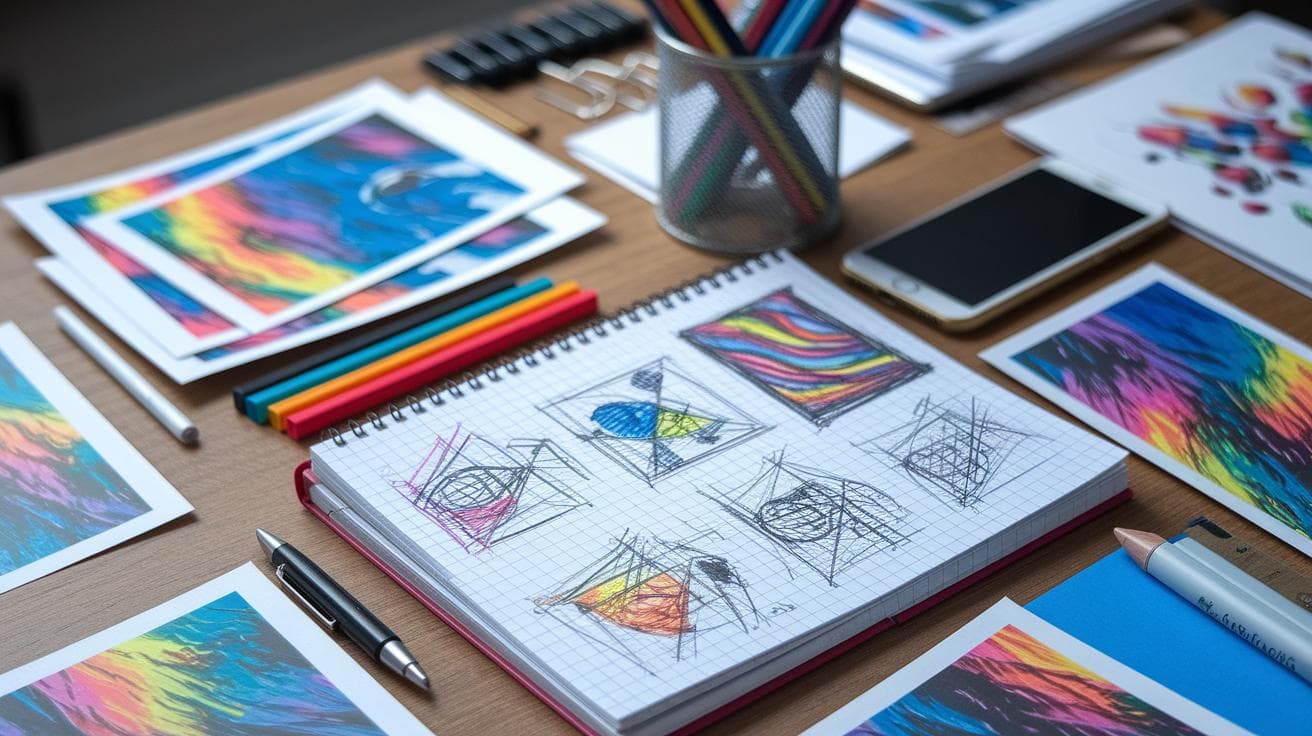
Ever feel like your AI prompts are running wild? It’s like static crackling in your head when every shot feels random. You need a clear roadmap to guide you.
This guide to crafting Midjourney prompts (Midjourney is an AI image generator) walks you through every step. Think of it as your secret recipe for turning ideas into images exactly how you picture them. Sounds good, right?
First, you mix your subject, action, and style like cooking a dish, add your main ingredient, a dash of movement, and a pinch of flair. Next, tweak the lighting and color, easy as seasoning your favorite meal.
Before you know it, you’ve got a prompt toolkit that helps you whip up stunning AI art without any wild surprises. Incredible.
Core Principles of Midjourney Prompts: Structure and Best Practices

Here’s the basic formula:
[Subject] + [Action] + [Adjectives] + [Style] + [Lighting] + [Aspect Ratio]
Ever felt like your AI images go off on a tangent? A clear prompt is like a blueprint you can actually hold. When you fire up the /imagine command on Discord, the AI (software that learns from images and data) picks up every detail you feed it.
Think of each piece as a building block. Swap out the subject or tweak the lighting, boom, you’re onto your next idea in seconds. And you know that satisfying hum when everything clicks? That’s consistency working its magic.
Breaking your prompt into bite-size parts also keeps those random wildcards at bay. Follow the same pattern and you’ll land closer to what you pictured, every time. That way, you can zero in on the fun stuff, fine-tuning textures, colors, or that perfect angle, instead of rewriting your whole prompt.
- Subject: the main star (person, object, scene)
- Action: what’s happening (running, floating, reflecting)
- Environment: background or setting details
- Medium: art format (digital painting, photo, sketch)
- Lighting: mood makers like “cinematic light” or “soft ambient”
- Color: palette notes (vibrant, muted, pastel)
- Composition: view or framing (wide-angle, close-up, aerial)
Use this checklist to speed up trials and boost quality. You’ll spend less time guessing and more time refining. Soon enough, you’ll have a prompt library that delivers sharper visuals, faster turnarounds, and endless inspiration.
Understanding Midjourney Parameters: Stylize, Chaos, Aspect Ratio, and More

Have you ever wanted to steer AI like a radio dial? You're in luck. Parameters in Midjourney are little knobs that let you shape your image without retyping your prompt. You can almost feel the quiet hum of the AI as you dial up creativity or ease it off for a cleaner shot.
The stylize setting, -s plus a number, moves you from literal to painterly, and it's simple to use: low values (like -s 100) give you crisp, photo-like shots, and higher values (try -s 2000) let the image breathe in a loose, artful style. Chaos, set with -chaos 0 to 100, nudges how random your first grid feels. The higher you go, the wilder the surprise.
Aspect ratio, -ar (for example 16:9 or 1:1), decides the shape of your canvas. And if you don’t want clouds, just use –no clouds to keep your frame clean.
Locking in reproducibility is easy with –seed and any number. It locks the random starting point so every run starts the same way. Then you’ll tweak stylize or chaos side by side to spot exactly how each knob shifts the mood before you hit upscale.
| Parameter | Flag | Range | Effect |
|---|---|---|---|
| Stylize | -s | 0–2000 | Low = literal, high = painterly |
| Chaos | -chaos | 0–100 | Higher = more random |
| Aspect Ratio | -ar | e.g., 16:9, 1:1 | Sets image shape |
| No | –no | object names | Excludes unwanted items |
| Seed | –seed | any number | Locks randomness |
Leveraging Style Keywords and Reference Images in Midjourney Prompts

Ever wished your AI art could channel a classic masterpiece or the latest design craze? Style keywords like impressionistic, Baroque, or noir are your secret sauce. They give Midjourney a clear artistic direction.
Grab an image URL that ends in .png, .jpg, or .jpeg (that’s the direct link to the picture you want).
Paste it right at the start of your prompt, before any text.
Add style words, Baroque, noir, or in the style of van Gogh, to set the mood.
Use :: notation to assign weights (for example [scene]::2 or [mood]::1).
And if you need fresh text prompts from an image, try the /describe command (it generates four new text ideas from your pic).
Dropping that visual anchor up front is like handing Midjourney a rough sketch, it grounds composition and lighting. Then your style keywords layer on color, texture, and vibe, guiding the algorithm to blend everything just right.
Play around with different URLs and weight values. You’ll notice how a tiny tweak can make the scene feel warmer, darker, or more surreal. It’s part science, part art, and totally fun. Ready to see where your next prompt takes you?
Sample Prompts and Genre-Specific Examples for Midjourney

Have you ever stared at a blank screen and wondered how to unlock your next masterpiece? Let’s fix that. Here are nine simple /imagine commands you can drop right into Midjourney. Tweak the words or aspect ratio and watch the magic happen.
Landscape ideas to spark calm:
- A serene waterfall in Monet’s style with a 16:9 ratio. Picture soft blues and greens dancing.
- Golden dunes at dawn under pastel skies, digital painting, 3:2. Feel that warm desert breeze.
Portrait picks to catch emotion:
- Photorealistic portrait of an elderly woman with soft window light, 4:5. You can almost see every gentle wrinkle.
- Close-up of a futuristic cyborg with chrome skin and neon highlights, 1:1. Think shiny metal and glowing accents.
Sci-fi setups to ignite wonder:
- A cyberpunk cityscape inspired by Syd Mead at a 3:2 aspect ratio. Imagine neon reflections on wet streets.
- Spaceship cockpit view overlooking a glowing nebula, volumetric lighting, 16:9. It’s like you’re about to launch.
Fantasy scenes to spark adventure:
- A detailed medieval battle scene based on Tolkien’s Middle-earth, 21:9. You can almost hear clashing swords.
- Elven archer in a misty forest with soft ambient glow, digital art, 4:3. Feel the hush of the woods.
Abstract concept to push the envelope:
- Abstract neon geometric pattern with high-contrast color palette, 1:1. Let the shapes and colors shout.
Want more? Then check out our best midjourney prompts. Experiment with keywords, weights, and ratios. Who knows, you might just find your next burst of creativity.
Understanding Midjourney Parameters

| Parameter | Function |
|---|---|
| –no |
Use --no [element] to ban things you don’t want, imagine wiping fog off a window to clear your view. Saying --no clouds will give you an open sky without stray puffs.
– Be clear: try |
Iterative Refinement and Troubleshooting for Midjourney Prompts

Ever run a prompt and thought, "Meh, close but not quite?" You’re not alone. Each Midjourney pass is like a mini experiment – you tweak a word or a setting and hear the AI hum a new tune.
Treat your prompt like a living sketch you’re constantly shaping. You learn more by testing than by crossing your fingers for a perfect shot on round one.
- Scan the four-image grid. What jumps out? What feels flat?
- Dial up or down
--chaosto mess with randomness. Tweak-sfor more or less style. - Swap keywords. Turn "ancient forest" into "mystical woodland" and watch fresh textures appear.
- Upscale your favorite thumbnail. Inspect the fine lines – then rerun with that sharper idea.
- Make variants of your top pick. Notice how light or angle changes the mood.
- Share your near-winners with a friend or online group. Fresh eyes spot what you might miss.
Step by step, this routine moves you from random shots to reliable results. Over time, you’ll have your own playbook of tweaks – saving you time and sparking new ideas every single run.
Advanced Techniques: Weighting, Remix Mode, Batch Generation, and /blend

Feeling like you need more control over your AI art? Well, you’re in luck! These advanced prompt tricks let you dial in every detail, mash up ideas, and crank out options faster than ever. It’s like giving your creativity a turbo boost.
-
Element weighting with :: notation
Want the AI to spotlight certain parts? Use the :: notation to nudge emphasis up or down. For example, typing[Eiffel Tower]::3 fireworks::1tells the model to focus three times more on the tower than the fireworks. Now you’re directing the scene just like a film editor. -
Remix Mode
Ever wanted to transform a finished grid without losing its core? That’s remix mode. It keeps your original layout intact while you layer on fresh styles or tweak details. Like giving a classic tune a modern remix. -
/blend for hybrid image-text merging
Time to mix images and words? The /blend command merges up to five pictures or fuses images with text in one prompt. Picture it as crafting a collage in a single sentence. Perfect for mashups or fusing concepts from different sources. -
Batch generation jobs
Imagine firing off multiple prompts at once. With batch generation, you explore dozens of variations in the time it used to take for one grid. It’s like running several ovens, more cookies, less waiting. Next-level experimentation.
Choosing the right tool comes down to your goal. Want a moody skyline that steals the show? Weight those cityscape keywords. Looking for a fresh spin on a favorite scene? Remix Mode’s your friend. And with batch jobs and /blend in your toolkit, you’ll spend less time waiting and more time crafting the perfect shot.
Future Trends and Resources for Midjourney Prompt Development

By 2030, the generative AI market (software that creates text and images) is set to hit US$356.10 billion, growing at about 46% per year, that’s the compound annual growth rate, or CAGR.
Have you checked out Midjourney’s official Discord lately? It’s like stepping into a buzzing digital cafe where thousands of free templates, weekly challenges, and friendly peer chats await.
And teams like Superside? They’ve run Midjourney over 500 times, saving clients more than US$1,000 and cutting design time by 37%. Wow.
Next, AI-driven prompt assists (little suggestion tools that pop up as you type) are on the horizon. Soon, creative apps will guide you through prompt crafting, making it smooth and almost effortless. No more guesswork, you get to focus on the fun, imaginative twists.
Here are some go-to spots:
- Official Discord channels packed with free templates, weekly challenges, and real-time feedback
- Community-curated prompt libraries on blogs and GitHub repositories
- Plugins for Figma, Photoshop, and VS Code that slip right into your design flow
- Tutorial hubs offering step-by-step articles and video walkthroughs
- Beta AI-driven prompt assistants (tools that give live suggestions) for on-the-spot help
Final Words
In the action, you’ve seen how to frame powerful prompts with a clear formula for structure and best practices.
We explored key parameters like stylize and aspect ratio, then mixed in style keywords and reference images to shape aesthetics.
Next up, we jumped into sample prompts across genres, tackled exclusion techniques, and dug into iterative tweaks and advanced tools like remix mode.
Now you’re ready to boost efficiency, creativity, and consistency. Embrace this midjourney prompts guide and watch your ideas come alive.
FAQ
Where can I find a free Midjourney prompts guide PDF?
The free Midjourney prompts guide PDF is available on Midjourney’s official Discord in community channels and on Reddit. It offers structured tips, example formulas, and step-by-step advice to level up your image prompts.
What are some examples and lists of Midjourney prompts?
Midjourney prompt examples include “a photorealistic portrait of a tabby cat with green eyes in sunlight” or “a cyberpunk cityscape at dusk.” Community repositories on GitHub and Reddit host categorized lists covering landscapes, portraits, sci-fi, fantasy, and more.
Is there a Midjourney prompt generator available?
The Midjourney prompt generator tool combines themes, styles, and parameters into ready-to-use prompts. You’ll find free web-based generators and Discord bots that randomize or suggest prompt structures for faster, more creative workflows.
How can I write and optimize effective Midjourney prompts?
Writing and optimizing effective Midjourney prompts starts with a clear formula—subject, action, adjectives, style, lighting, aspect ratio. Use specific keywords, organize details with commas or brackets, and tweak parameters like –chaos and –stylize to refine your results.
What prompts are forbidden in Midjourney?
The forbidden prompts in Midjourney include explicit sexual content, violence or gore, hate symbols, personal identifying images, and illegal activities. Review the official community guidelines for a full list of banned categories and to keep your work compliant.
How does Midjourney compare to other AI art tools like Stable Diffusion, Adobe Firefly, DALL-E, and Leonardo AI?
Midjourney excels at painterly, high-detail images via simple Discord commands. Stable Diffusion offers local deployment and model fine-tuning. Adobe Firefly integrates seamlessly with Creative Cloud, DALL-E emphasizes easy text-to-image, and Leonardo AI speeds up rapid concept iterations.