
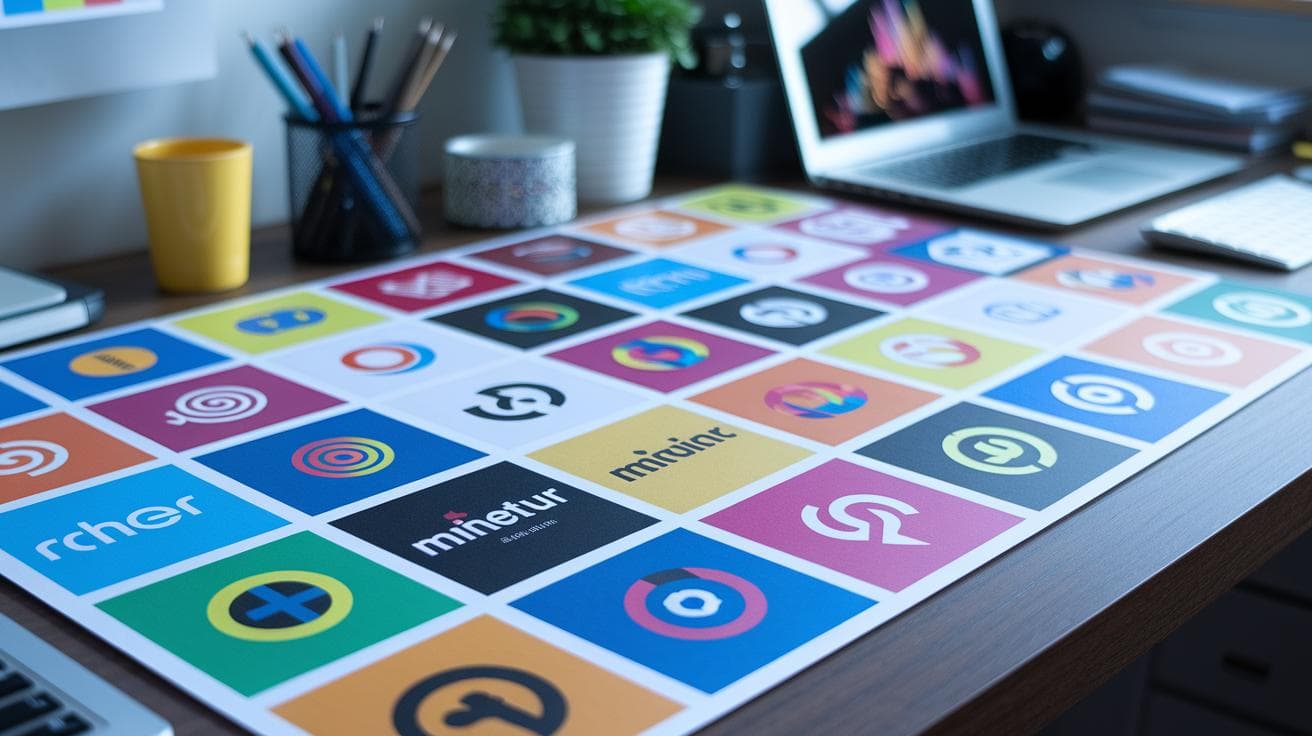
Got a blank canvas staring you down? You’re not alone, you know. It’s like waiting for a muse that never shows.
Have you ever felt like creativity just… eludes you? Imagine typing a few simple keywords into Midjourney – like planting seeds in rich soil – and in seconds you’ve got a dozen logo ideas sprouting up.
No more endless scrolling or that jittery, caffeine-fueled haze. Those fresh, colorful options arrive almost before your coffee cools.
In this post, I’m sharing a set of ready-to-use Midjourney logo prompts (think "vector logo" or Paul Rand vibes!) so you can kickstart your brand’s look in no time.
Plus, I’ll walk you through quick tweaks to make each prompt uniquely yours. Easy, right?
Ready-to-use Midjourney Logo Prompts for Professional Designs

Creating logos with Midjourney can feel like magic when you have go-to formulas. They jumpstart fresh ideas in seconds and save you from staring at a blank screen. These top Midjourney logo prompts call out “logo,” “symbol,” or “vector logo” right in the text and lean on style tags (check midjourney style reference for more). You’ll see how a simple structure can spark a dozen designs before your coffee cools.
- minimalist flat vector logo of letter “A” with a flower symbol, Paul Rand style, solid background –v 6.0 –style raw –ar 1:1
- vintage badge logo with script font and botanical wreath, muted palette –v 6.0 –style raw –ar 1:1
- bold geometric symbol logo with sharp angles and two-tone color, vector logo –v 6.0 –style raw –ar 1:1
- gradient emblem logo blending pink to orange, clean lines, no shading –v 6.0 –ar 1:1
- negative-space bird logo in black and white, simplified symbol –v 6.0 –style raw –ar 1:1
- monogram “XZ” logo in modern sans-serif, linked initials, solid background –v 6.0 –ar 1:1
- circular emblem logo with tech icon and “BrandName” text, screen-print effect –v 6.0 –style raw –ar 1:1
- mascot robot logo, flat colors, no shading detail –v 6.0 –ar 1:1
- neon outline logo of a lightning bolt, dark background –v 6.0 –style raw –ar 1:1
- 3D-inspired cube logo with subtle bevel shadows, high contrast –v 6.0 –ar 1:1
Explore more midjourney logo prompt examples
Feel free to tweak any prompt by swapping color names, plugging in your own designer references, or dialing stylize up or down. A small tweak to hue or a fresh style tag can turn one of these templates into a unique brand statement.
Midjourney Logo Prompt Syntax and Parameter Reference

When you ask Midjourney to craft a logo, you also add little instructions called tags. Think of tags as knobs you turn to get the perfect look.
The version tag (–v [number]) picks which engine powers your image. Each engine brings its own feel. Want the newest one? Just set –v 6.0.
Next is aspect ratio, written –ar [width:height]. It’s like choosing a canvas shape. Want a square logo? Try –ar 1:1. A wide banner? Go for –ar 16:9.
Then there’s stylize (–stylize [value]), which controls how much Midjourney leans into its own style. Lower numbers keep things simple. Higher numbers let the AI get a bit fancy.
Have you ever shuffled a deck of cards? That’s chaos (–chaos [0–100]). At zero, things stay close to your prompt. At 100, expect wild twists.
If you spot a design you love and want it again, use seed (–seed [number]). It fixes the starting point so you get the same image every time. Handy, right?
Quality (–quality [0.25–2]) balances how long the AI thinks versus how fast you see results. Lower means quicker but less detail. Higher means more polish and a bit more wait.
Mixing quality and chaos just right helps you balance detail and speed. And a seed keeps your favorite drafts easy to find again.
| Parameter | Description |
|---|---|
| –v [number] | Selects Midjourney version (like 6.0) |
| –ar [ratio] | Sets width-to-height ratio (e.g., 1:1) |
| –stylize [value] | Controls how strongly the AI applies its style |
| –chaos [0–100] | Adjusts result randomness, from steady to wild |
| –seed [number] | Fixes the random start for repeatable images |
| –quality [0.25–2] | Adjusts render time and detail level |
Midjourney Logo Design Techniques: Styles, Colors, and Composition

Picking the right style tags is like choosing the perfect spice for your favorite dish. Try “minimalistic,” “solid line,” or “simplified” when you want a crisp, clean brand mark. Flat design tags give you bold shapes that jump off the page. And if you crave a gentle color flow, toss in “gradient,” it’s like watching hues melt into each other, think that smooth Instagram vibe. Don’t forget “solid background,” so your symbol really stands out on a calm, distraction-free canvas.
Mix and match these techniques to find your own signature look. For a sleek vibe, ask for a single-color outline with no shading, your logo becomes instantly memorable. If you want bold contrast that snaps on any screen, lean into flat design prompts. Or, if depth tickles your fancy, use gradient prompts to add soft color transitions across a simple shape.
Ever played hide-and-seek with symbols? Negative space prompts tuck a surprise icon or letter into another shape. Pretty playful, right? For a bit of old-school charm, vintage prompts bring in gentle textures and muted colors that feel a little worn, like an old leather jacket. And if you’d like a subtle 3D touch, 3d prompts add delicate bevel shadows without overdoing it.
One last tip: center your main icon and give it plenty of breathing room. Generous white space feels inviting and lets each detail shine. When icon, text, and empty space are in harmony, your design scales beautifully, whether it’s a tiny app icon or a giant billboard.
Customizable Midjourney Logo Prompt Templates for Key Logo Types

Ready to get creative? Here’s a simple prompt you can tweak for any logo style: lettermark, monogram, circular emblem, or mascot. Just swap in your own bits, hit go, and watch Midjourney hum to life.
{LogoType} logo of "{Content}" {Ornament/Icon/FontStyle}, {Vector/Style}, {Colors}, {Background} --v 6.0 --style raw --ar 1:1
Let’s unpack each placeholder:
| Placeholder | Options |
|---|---|
| {LogoType} | lettermark | monogram | circular emblem | mascot |
| {Content} | “A” | “XZ” | “{BRAND_NAME}” | “robot” | “owl” | “fox” |
| {Ornament/Icon/FontStyle} | floral ornament | geometric ornament | negative-space link | sans-serif text | central icon |
| {Vector/Style} | simple vector style | screen-print effect | flat colors | simplified lines |
| {Colors} | {COLOR1} and {COLOR2} palette | muted palette |
| {Background} | solid background |
See how swapping just a couple of words can flip the mood? Here are some quick examples to spark your imagination:
- lettermark logo of "A" with a floral ornament, simple vector style, solid background –v 6.0 –style raw –ar 1:1
- monogram logo of "XZ" in sans-serif text with a negative-space link, #FF5733 and #3333FF palette, solid background –v 6.0 –style raw –ar 1:1
- circular emblem logo with "BrandCo" text around the edge, a central shield icon, muted palette, screen-print effect –v 6.0 –style raw –ar 1:1
- mascot logo of a fox with flat colors, clean lines, no shading detail, solid background –v 6.0 –style raw –ar 1:1
Try it yourself, swap in your brand name, pick a style, and see what comes out!
Refining and Troubleshooting Midjourney Logo Prompts

Ever had a logo that feels all over the place? Maybe it’s too busy or just not on brand. That’s when exclusion flags become your best friend. Just add –no shadows, –no realistic details, or –no text to strip away the noise.
Then pick the engine that matches your style. Tweak the version with –v [number]. And if you want more surprises or a more tame look, adjust chaos with –chaos [0-100]. You might even notice a smooth hum of creativity as you dial it up or down.
Got a logo you really dig? Try the /describe command. Upload your mark and Midjourney churns out four prompt variations. You’ll snag fresh keywords and spot new angles without the guesswork.
Once your draft looks cleaner, jump back in with tiny tweaks. Shift weight values, nudge style tags up or down. Watch subtle tweaks emerge. Incredible.
One thing to keep in mind: Midjourney isn’t perfect with text. So plan to export your favorite result into Illustrator or Canva for crisp lettering. It keeps your logo looking sharp.
This back-and-forth loop? It’s what helps your logo evolve, one thoughtful tweak at a time, until you land on that polished, on-brand look.
Advanced Midjourney Logo Prompting Tips and Best Practices

Ever wanted your AI logos to carry a designer’s signature flair? Let’s dive in.
First, think of design legends as your flavor boosters. Paul Rand brings minimal, clean marks that feel like a soft hum in the background. Milton Glaser adds bold curves, Sagi Haviv keeps things modern and simple, Vignelli nails geometric balance, and Michael Bierut treats text so it practically dances.
Got an existing logo? Feed it into the /describe command (Midjourney feature that analyzes your image and gives you four fresh prompt ideas). Those auto-generated variants are full of keywords you might never dream up on your own.
Once you spot the style tags you love, save them as custom presets. Think of these like recipe cards for consistent results. Then run prompts in gentle feedback loops: tweak a color value here, bump a stylize tag there, and let each draft build on the last, layer by layer.
When you land on a design that makes you smile, click the upscale button to export a high-res asset. You’ll keep those edges crisp whether you’re previewing on screen or printing a giant poster.
Next up, Photoshop polish. Drop your Midjourney export into layers, mask or clip your symbol cleanly, then add text in vector type for razor-sharp letters. Use adjustment layers or color swatches to lock in your brand hues across black-and-white icons and full-color badges. Finally, save layer groups that follow your brand guidelines so every Midjourney logo prompt turns into a set of on-brand variations without starting from scratch.
But really, isn’t it fun to see AI and creativity team up? Give it a try and enjoy the smooth glide of your automated process.
Final Words
In the action, we showed ten prompt formulas for unique logo styles, walked through key syntax tags for reliable results, and explored design techniques from flat outlines to simple 3D shadows.
Then we dove into customizable templates, lettermarks, monograms, emblems, mascots, plus troubleshooting tips and advanced strategies using version tweaks and the /describe command.
Now it’s your turn to tweak each variable. Try mixing color tags, style references, or midjourney logo prompts to spark fresh concepts. Have fun creating, brighter brand identities await.