
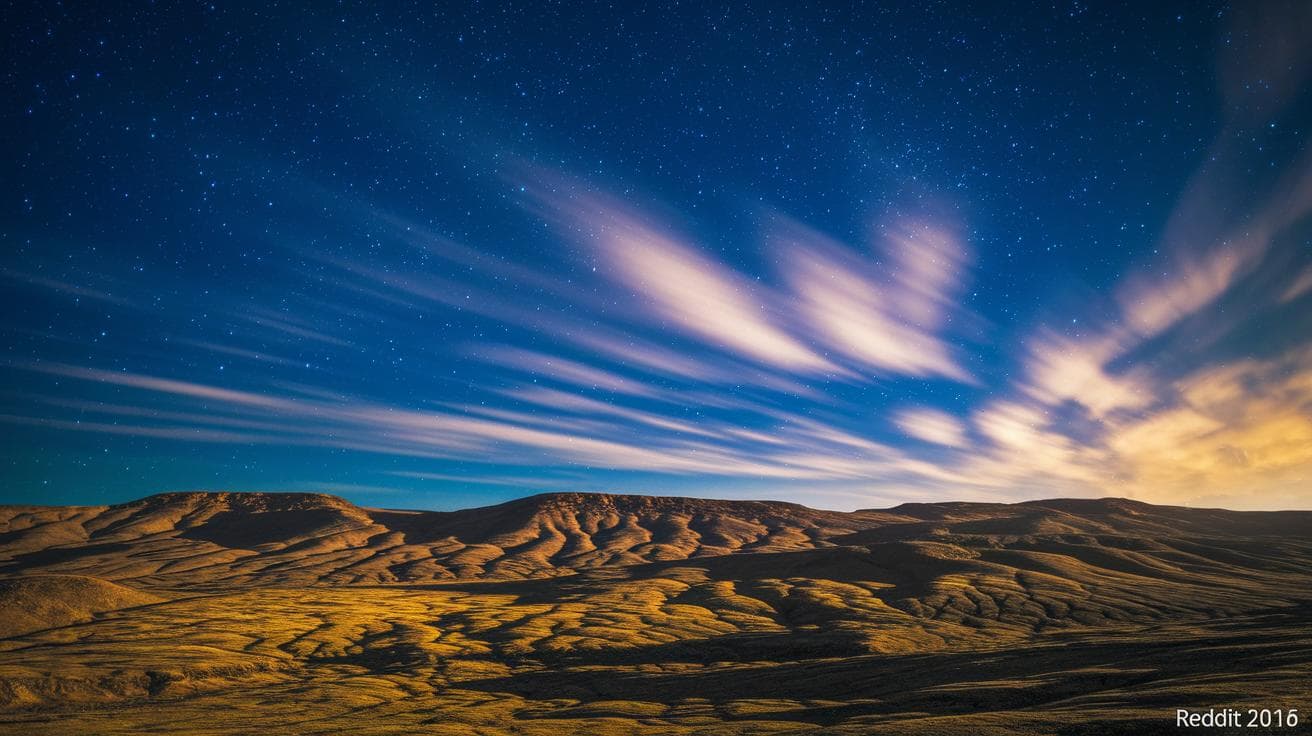
Ever feel like your AI art falls flat without that movie-like glow? Cinematic lighting can flip the switch on any scene, turning flat pixels into a frame that feels alive. Shadows start to whisper secrets, and highlights carve out all the drama. Ready to bring that vibe to your Midjourney creations?
We’re diving into five prompt tricks that’ll let you paint with a director’s eye. First, try side-lit angles, imagine light grazing a face, sculpting every cheekbone. Then play with color shifts that drift from warm to cool tones, brewing mood like sunrise to dusk. And don’t forget soft shadow fades that melt edges into a gentle mist.
Have you ever wondered how filmmakers guide your gaze? We’ll show you how, like a spotlight zeroed in on what matters most. Next up, layering depth feels just like watching fog drift over a lake, adding mystery and scale. Finally, we’ll stitch it all together so each image gleams with star-quality flair. Let’s dive in.
Cinematic Lighting Foundations & Prompt Framework

Film-style lighting feels like a storyteller’s whisper, guiding your eye with dark shadows and soft highlights. Have you ever watched a movie where a single beam of light pulls you right into the moment? It’s mesmerizing.
If you’re curious about the basics, check out the Midjourney AI image generation tutorial. It’s a friendly intro to creating that cinematic glow in your AI art.
Here are five core elements to kick off every Midjourney prompt and set a strong cinematic mood:
- Subject context: Who or what’s in the scene? (hero, detective, old oak tree)
- Light source direction: Where’s the light coming from? (backlit, side-lit, overhead glow)
- Color temperature: Warm sunset gold, cool moonlit blue, neutral daylight
- Shadow style: Crisp silhouettes, soft gradients, deep contrast
- Mood descriptors: Tense, dreamy, eerie, hopeful
Getting those shadows and highlights right depends on a few simple tricks.
First, depth cues let objects feel three-dimensional by fading light over distance. It’s like watching mist lift off a lake.
Then there’s light falloff. That’s how quickly brightness dims across surfaces, so a far wall looks more muted.
And ambient occlusion adds tiny shadows where surfaces meet, like the corner under a table. It grounds everything in the scene.
Next, let’s see it in action with a sample Midjourney prompt:
“A lone samurai standing on a misty bridge at dawn, side-lit by soft golden hour light, cool blue shadows pooling below, subtle ambient occlusion under the railings, cinematic mood in AI art with gentle light falloff, soft shadow gradients”
Signature Cinematic Lighting Styles for Midjourney Artwork

Film Lighting
Film lighting gives your scene a warm, nostalgic glow, like sunlight spilling over old movie film. You’ll see soft highlights dancing across surfaces and shadows that feel tamed yet dramatic. It’s cozy and cinematic, turning a simple alley at dusk into a big-screen moment. Perfect when you want a whisper of vintage warmth.
Golden Hour Lighting
Golden hour is that magical time right after sunrise or just before sunset. Everything bathes in honeyed tones, and shadows stretch long and soft. It’s like the world paused to glow. Ideal for portraits or open landscapes that need a dreamy, golden touch. Try prompts like “wood-paneled cottage aglow in golden hour light” or “dew-kissed fields bathed in warm sunrise rays.”
Foggy Lighting
Foggy lighting wraps your scene in a thin veil of mist, blurring edges and adding mystery. Harsh lines soften into floating shapes, turning any setting into a moody, atmospheric wonder. Imagine dawn fog drifting through broken arches or an abandoned mansion at first light. Soft. Eerie. Almost dreamlike.
Color Gel Lighting
Color gel lighting splashes bold hues, neon blues, magenta reds, forest greens, across your subject. Think studio vibes with high contrast and electric energy, like a backstage music video. It’s a punch of color you can almost feel. Add “portrait studio with color gel lighting” to crank up the drama.
Silhouette Lighting
Silhouette lighting leans on strong backlight to carve out powerful outlines. You lose fine details and let shapes steal the show. Place your figure against a blazing sunset, roaring bonfire, or neon sign, and watch the profile speak volumes. Simple. Striking. Unforgettable.
| Style | Key Characteristics | Sample Prompt |
|---|---|---|
| Film Lighting | soft, controlled glow with vintage warmth | a detective in a smoky room, film lighting with gentle sepia tones and soft shadow gradients |
| Golden Hour Lighting | warm, honeyed tones with long, soft shadows | a wanderer on desert dunes at sunset, golden hour ambiance, long soft shadows |
| Foggy Lighting | misty veil that softens edges for a moody feel | an abandoned mansion at dawn, foggy lighting with misty edges and soft silhouettes |
| Color Gel Lighting | bold, saturated hues in a studio setting | portrait of a warrior in a neon studio, color gel lighting with blue and magenta contrast |
| Silhouette Lighting | strong backlight for dramatic outlines | a lone figure against a blazing sky, silhouette compositions with sharp profile |
Advanced Midjourney Lighting Techniques for Dramatic Contrast

Ever wanted your scene to feel like it leaps off the screen? When you need real drama, basic glow just doesn’t do the trick. It’s all about choosing the right shine, think of low key lighting (a style with deep shadows and small highlights) to build mystery, or high contrast lighting AI (extreme lights and darks) to make every detail pop.
Next, you can carve shapes with backlighting effects AI (light from behind your subject), or boost your story with dramatic shadow rendering (crisp, deep shadows for extra texture). And hey, skip terms like “split lighting” or “butterfly lighting”, Midjourney often turns those into odd glitches.
Here are four easy techniques along with prompt ideas:
-
low key lighting effect (deep shadows, narrow highlights)
Picture a nearly black-and-white scene where dark areas swallow most of the image.
Prompt tip: “an abandoned cathedral interior, low key lighting effect, soft glint on marble columns, deep shadows in archways” -
high contrast lighting AI (bold lights vs. darks)
Push your highlights full-bright and your shadows pitch-black for a graphic, edgy look.
Prompt tip: “cyberpunk street scene at midnight, high contrast lighting AI, neon reflections on wet asphalt, pitch-black alleys” -
backlighting effects AI (light behind your subject)
Let your figures glow at the edges, standing out against the dark background.
Prompt tip: “forest ranger’s silhouette against a blazing sunset, backlighting effects AI, golden rim light, shadowy underbrush” -
dramatic shadow rendering (sharp shadows, subtle ambient occlusion)
Amp up texture and depth by asking for tiny, soft shadows where surfaces meet (that’s ambient occlusion) and razor-sharp contour shadows.
Prompt tip: “weathered statue in moonlight, dramatic shadow rendering, crisp edges on reliefs, soft occlusion in crevices”
With these pointers, your Midjourney prompts will guide the AI toward scenes that feel sculpted from light and shadow. Ready to dive into cinematic contrast?
Color Grading and Mood Enhancement for Midjourney Cinematic Lighting

Changing color temperature and grading in your prompt sets the mood, boosts contrast, and creates atmosphere. You might picture evening shadows tinted in cool blue. Or think of a sunrise bathed in warm amber light.
Dropping in phrases like "warm tones" or "cool teal highlights" helps Midjourney nail that cinematic look.
Try mixing palettes to reinforce your story:
- Golden hour glow: soft, honey-colored light with rosy shadows
- Color gel accents: flashes of vibrant magenta or electric cyan
- Twilight blend: deep navy fading into gentle orange glimmers
Pair those color hints with simple lighting notes. For example, "soft backlight with teal highlights and deep orange fill" mixes bold hues and clear light direction. Have you ever tried a gentle cyan reflection or a warm sepia underlight? It’s amazing how a small tweak can shift the whole vibe.
Sample prompt combining color balance and lighting:
"a lone violinist on a dim stage, warm golden hour glow from stage left, cool teal backlight on strings, cinematic color grading lighting with high contrast and soft shadow gradients"
Next, try this prompt and watch your scene come alive.
Composition and Camera Angles for Cinematic Lighting in Midjourney Artwork

Have you ever noticed how a slight tilt or shift in your camera angle can change the whole vibe of a scene? When you frame your subject off to one side or drop the camera low, every beam of light joins the story. Scene blocking lighting is all about setting up your actors and props so that shadows and highlights land where you want, making your subject pop against the background. It’s kind of like arranging puzzle pieces, but with light.
Then you add your descriptive cues – you know, those little notes that tell Midjourney exactly where to shine. Saying “soft backlight from the right” or “raking sidelight” (that’s light coming in at a sharp, side angle) helps guide the glow. Close-ups catch warm glints on faces, while wide shots let long, dramatic shadows pour across the frame. And just like that, you’re crafting mood and depth with easy prompts – no fancy jargon needed.
Next up: aspect ratio and framing – they’re your secret storytelling tools. A 2:1 widescreen stretch gives you that epic, cinematic pulse. Switch to square or vertical and you’ll feel everything up close and personal. You can even tweak how boldly Midjourney reads your framing with the midjourney stylize parameter explained and play around until you hit the sweet spot of form and light.
Final Words
in the action we’ve uncovered how film-style illumination shapes prompts, defining core elements for depth cues, light falloff, and mood shadows.
we spotlighted five signature lighting looks, soft vintage tints, golden hour warmth, foggy edge softening, bold color gels, and dramatic silhouettes.
then we added mood shifts through color grading and balanced temperature, before framing scenes with camera angles that let every ray tell a story.
try these ideas, watch your AI images glow, and enjoy elevating every scene, achieving cinematic lighting in Midjourney artwork.
FAQ
How can I find a PDF guide and examples for achieving cinematic lighting in Midjourney artwork?
Finding a PDF guide and examples for cinematic lighting in Midjourney artwork is easy. Check the midjourney AI image generation tutorial for step-by-step craft basics with demo images.
What are the key elements to include in cinematic lighting prompts for Midjourney?
Key elements to include in cinematic lighting prompts for Midjourney are subject context, light source direction, color temperature, shadow style, and mood descriptors. Adding depth cues like light falloff and ambient occlusion boosts realism.
How do AI lighting prompts work for Stable Diffusion?
AI lighting prompts for Stable Diffusion work by specifying light source direction, intensity, color temperature, and shadow style. Clear, precise cues help avoid flat lighting and steer the model toward film-like depth.
Can you provide a sample Midjourney prompt for cinematic lighting?
A sample Midjourney prompt for cinematic lighting could be: “Epic urban night scene, neon reflections, single overhead spotlight, cool blue tint, strong shadows, soft falloff, ambient occlusion, moody sci-fi vibe.”